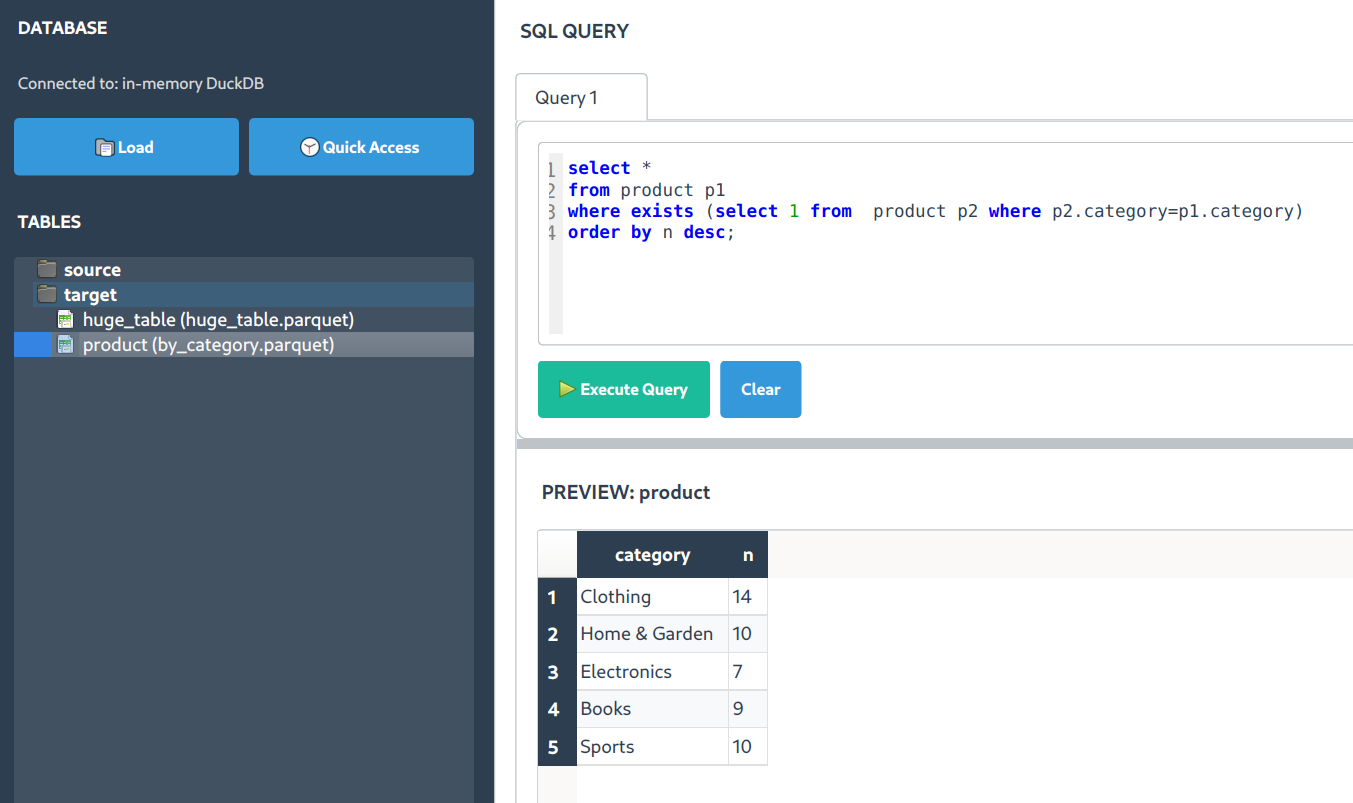
See SQLShell in action
Open the floating demo dock or launch full-screen demos to explore quick search, related columns, and more.
Query CSV, Parquet, Excel, and more with SQL. DuckDB-powered desktop app — no database setup required.
A fast, local SQL workspace for data analysts and engineers. Open files instantly and run queries without servers, browsers, or cloud dependencies.
Open the floating demo dock or launch full-screen demos to explore quick search, related columns, and more.
Everything you need to explore and analyze data files without the overhead of database servers.
Powered by DuckDB's columnar engine, optimized for analytical workloads. Designed for analytical queries over large, columnar datasets.
F5 runs all queries, F9 runs just the current statement. Perfect for iterative data exploration and testing.
Context-aware SQL suggestions that know your tables and columns. Press Ctrl+Space for instant help.
Ctrl+F to search across all result columns. Find patterns, filter data, and explore results interactively.
Right-click for instant statistics: data types, null counts, unique values, min/max, and distributions.
Distraction-free design with syntax highlighting, result tables, and a familiar SQL editor experience.
Drag and drop files or use the file loader. SQLShell handles the parsing automatically.
Write standard SQL queries. Join multiple files. Aggregate, filter, transform.
Download the app or install via pip. Either way, you're ready to query in under a minute.
Power users love keyboard shortcuts. Here are the ones that matter.
Used by data analysts and engineers for local, file-based SQL analysis. Open source, free forever.